Note: This only affects receivers using DNSSEC with current network problems or network problems appearing after the next reboot
UPDATE 21.10.2026 based on feedback from users
On October 11–12, 2026, a rare but important event took place in the global internet infrastructure: the rollover of the DNSSEC Root Key Signing Key (KSK). DNSSEC is a security mechanism used to verify the authenticity of DNS responses. Following this key rollover, devices using DNSSEC with an outdated root key may experience difficulties resolving internet domain names, potentially affecting connectivity to certain online services.
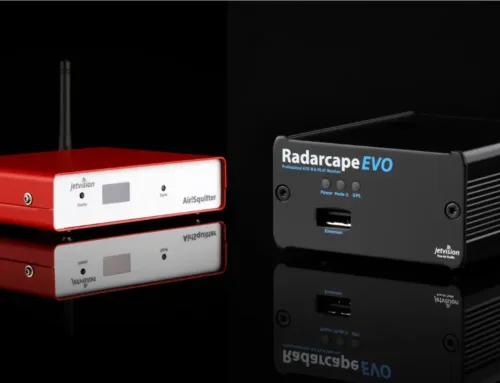
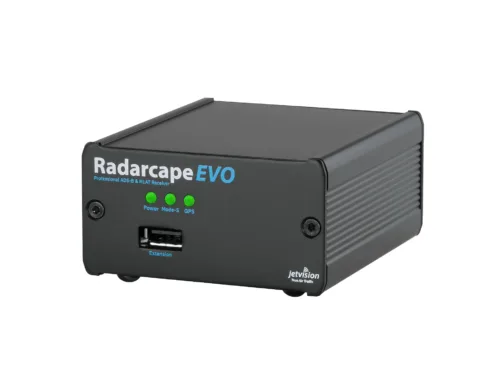
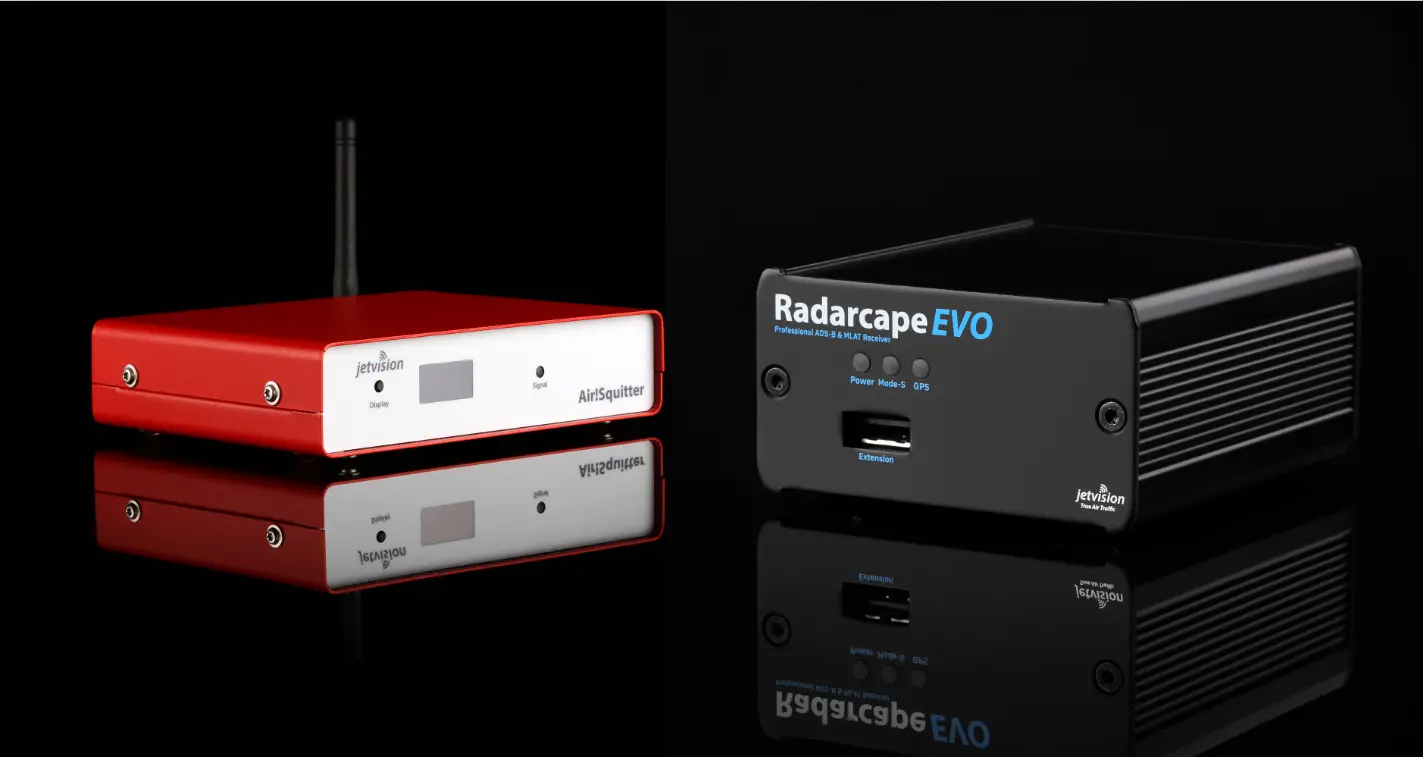
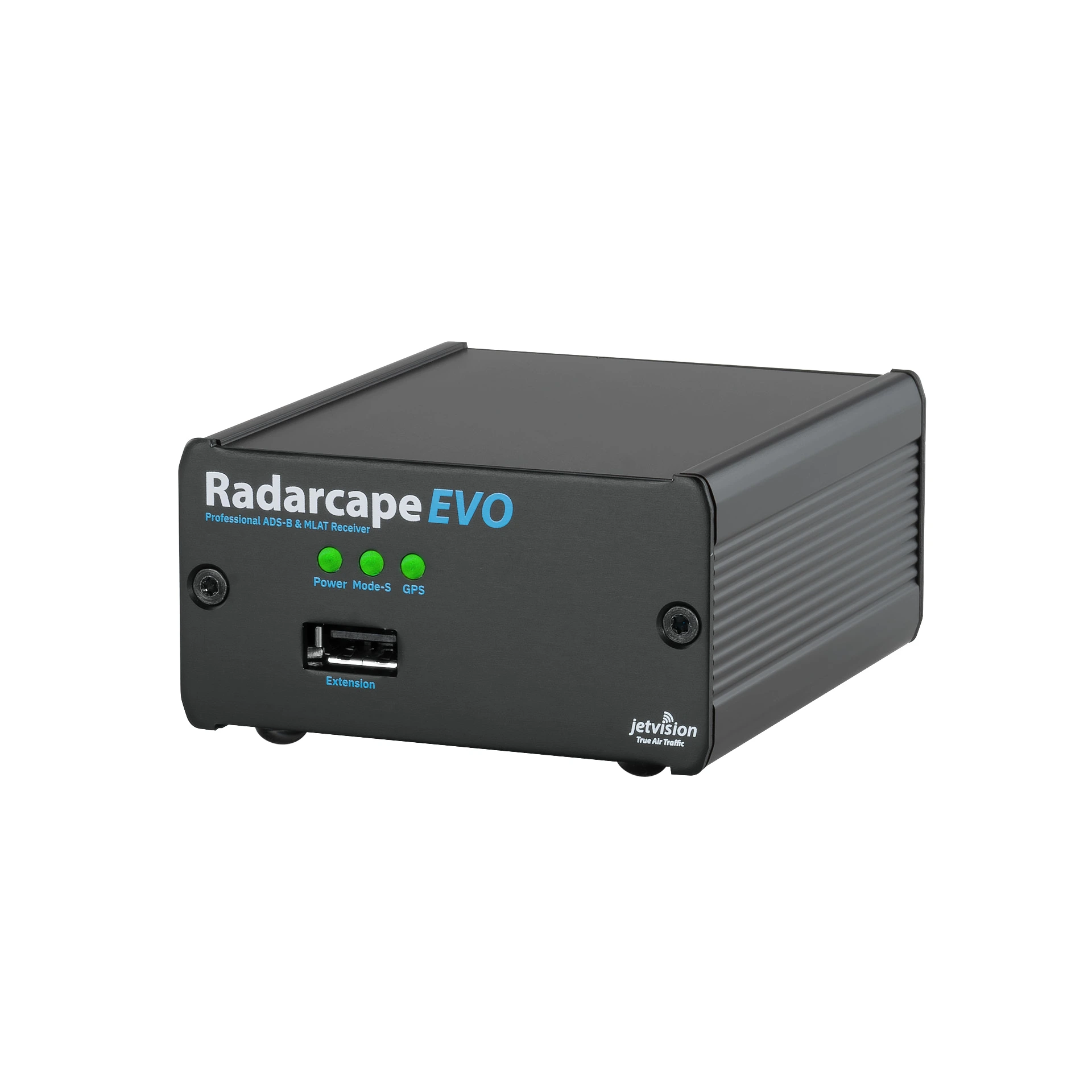
Radarcape and Airsquitter devices which are using DNSSEC do not automatically refresh their DNSSEC root keys. We have therefore made a patch available to update the root key and restore reliable DNS resolution.
Does this affect your Radarcape or Airsquitter?
- This issue only affects receivers using DNSSEC
- This is not easy to detect but most likely you are already experiencing connectivity problems – or you will after the next reboot.
- If your device does not use DNSSEC, no action is required
- We suggest to install the patch in any case to avoid possible future problems in case of e.g. a router change.
How to install the patch (to clarify process steps)
Step 1 (Option 2 per jetvision WIKI): Manual installation of DNSSEC certificate to restore general connectivity:
This method does not require your device to resolve and reach our update server.
-
- Download the patch package to your computer: Download DNSSEC Patch (patch-rcd-asq-0004.ddeb)
- Open your Radarcape or Airsquitter web interface.
- Navigate to Settings → Software Maintenance → Manual File Upload.
- On the right-hand side, select Upload+Install.
- Select the downloaded patch file.
- Click Upload+Install to start the installation.
Important note for older software versions:
If clicking Upload+Install only returns a “Back” prompt without installing the patch, rename the downloaded file from:
patch-rcd-asq-0004.ddeb
to:
patch-rcd-asq-0004.deb
and repeat the upload and installation.
During installation, you might see various status messages, including some errors. These can generally be ignored. Once installation is complete, your device should regain normal DNS functionality.
Additional information
The patch in Step 1 only updates underlying system components. It does not change your device’s operational software or displayed software version. However we recommend to use the opportunity to also upgrade your device firmware to the latest revision.
For further details, troubleshooting information, and the complete release notes, please refer to:
Radarcape and Airsquitter – DNSSEC Patch Release Notes
We recommend applying this patch to all Radarcape and Airsquitter devices, even if they are currently operating without apparent problems.
If you experience any difficulties installing the update, please contact our support team at support@jetvision.de.
Step 2: Built-in software update
Update your receiver to the latest receiver firmware:
- Go to Settings → Software Maintenance → Software Update.
- Unless already shown enter 260411.0800.02 in the software version field.
- Click Software Update.
If your update log should be showing errors, please check our WIKIi: wiki.jetvision.de/wiki/Most_Often_Asked#Software_Update_Problems
In case that your problem is not solved by this Wiki recommendations, please send a screenshot of your output to support@jetvision.de.
Step 3: Register your receiver (if not done already)
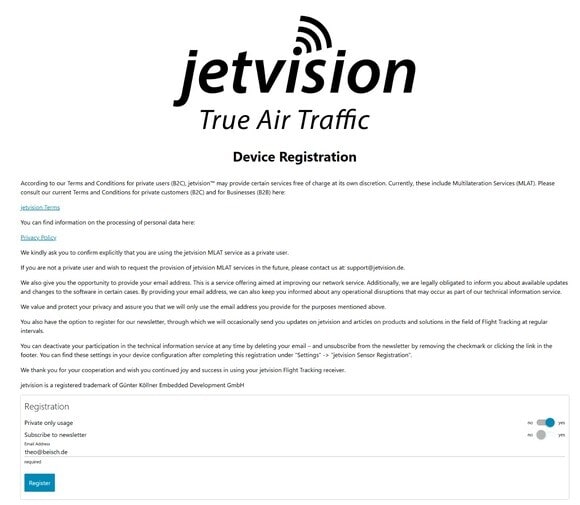
Please register your receiver and leave your email – we will only use your email to notify you in case of critical or important software upgrades (as in this case here)!
- Go to Settings → jetvision Sensor Registration
- Follow the steps as indicated